Chat lifecycle: start, name, pin, archive
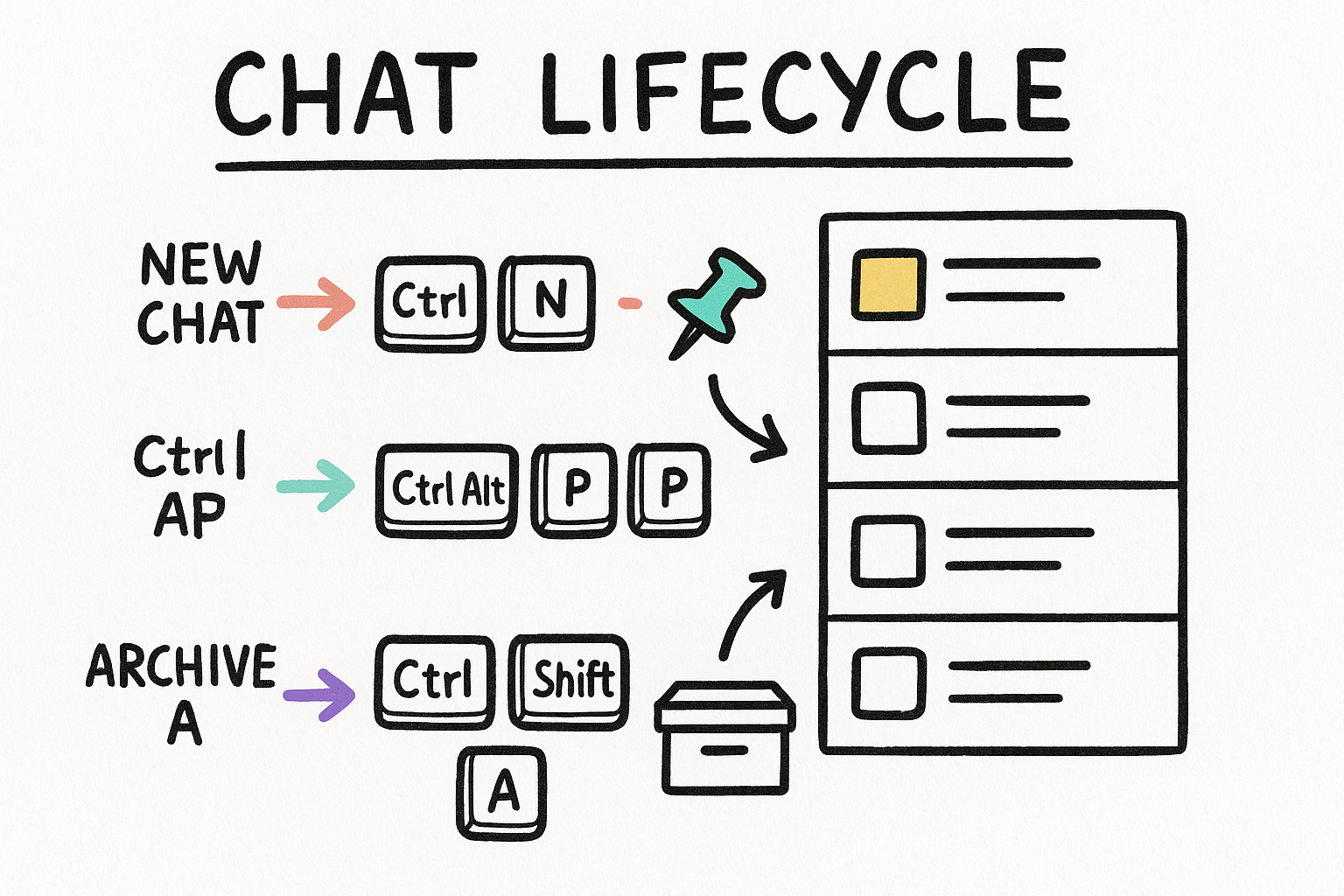
Everything in Codex Desktop starts as a chat. Spin up a fresh one, give it a name so future-you can find it, pin the ones you keep coming back to, and archive the rest to keep the sidebar clean. A quick chat is the throwaway scratchpad for a one-off question you do not need to keep.
- New chat for real work, quick chat for a throwaway question.
- Rename early so the sidebar stays scannable.
- Pin the chats you live in. Archive the noise.
Moving around without the mouse
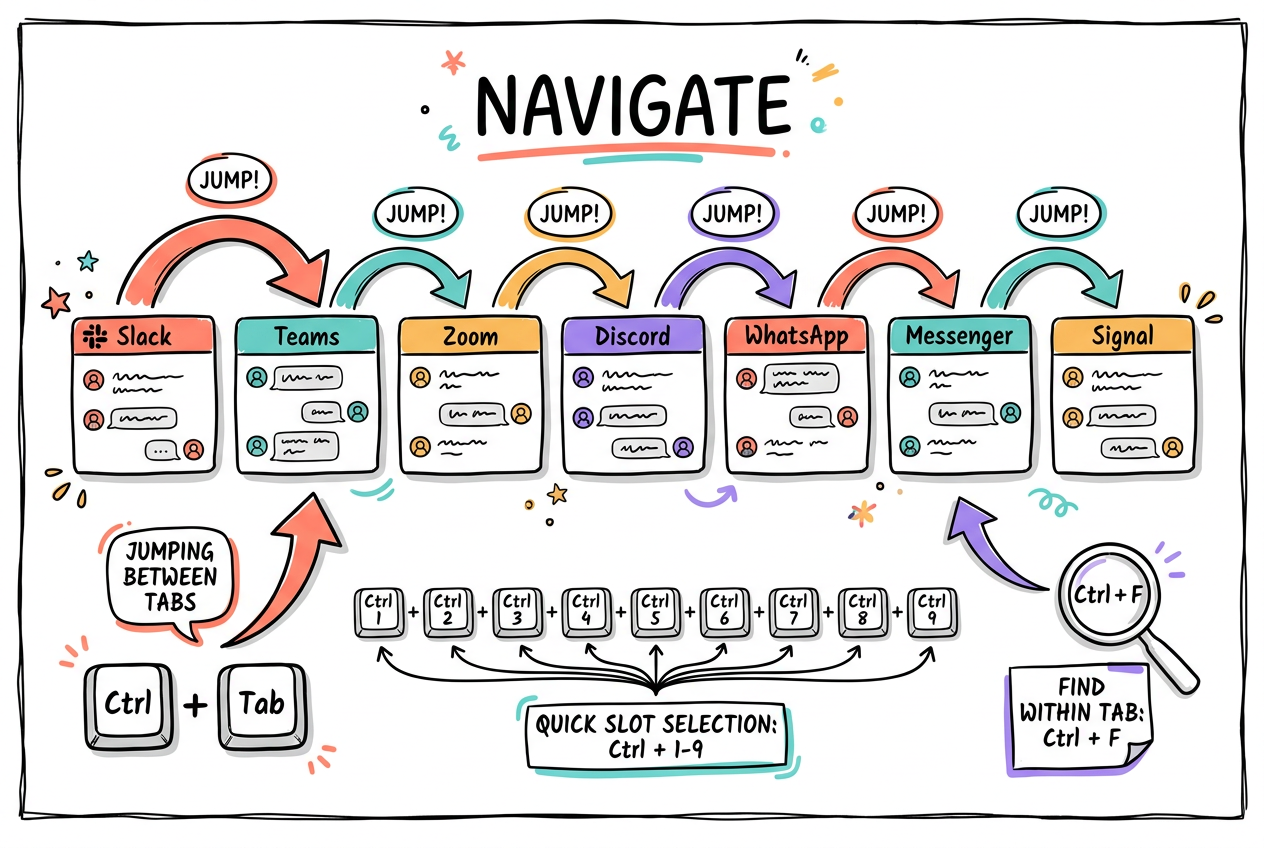
Once you have a few chats and tabs open, navigation is where the time goes. Ctrl+Tab jumps to what you were just looking at, the bracket keys step through your open chats in order, and the number keys teleport straight to a slot. Find searches inside a chat, while the search commands hunt across all your chats or your files.
- Ctrl+Tab is recency. Brackets are sequence. Numbers are jump.
- Back and Forward work like a browser, mouse buttons included.
- Find in a chat, search across chats, or search files.
The command menu finds everything else
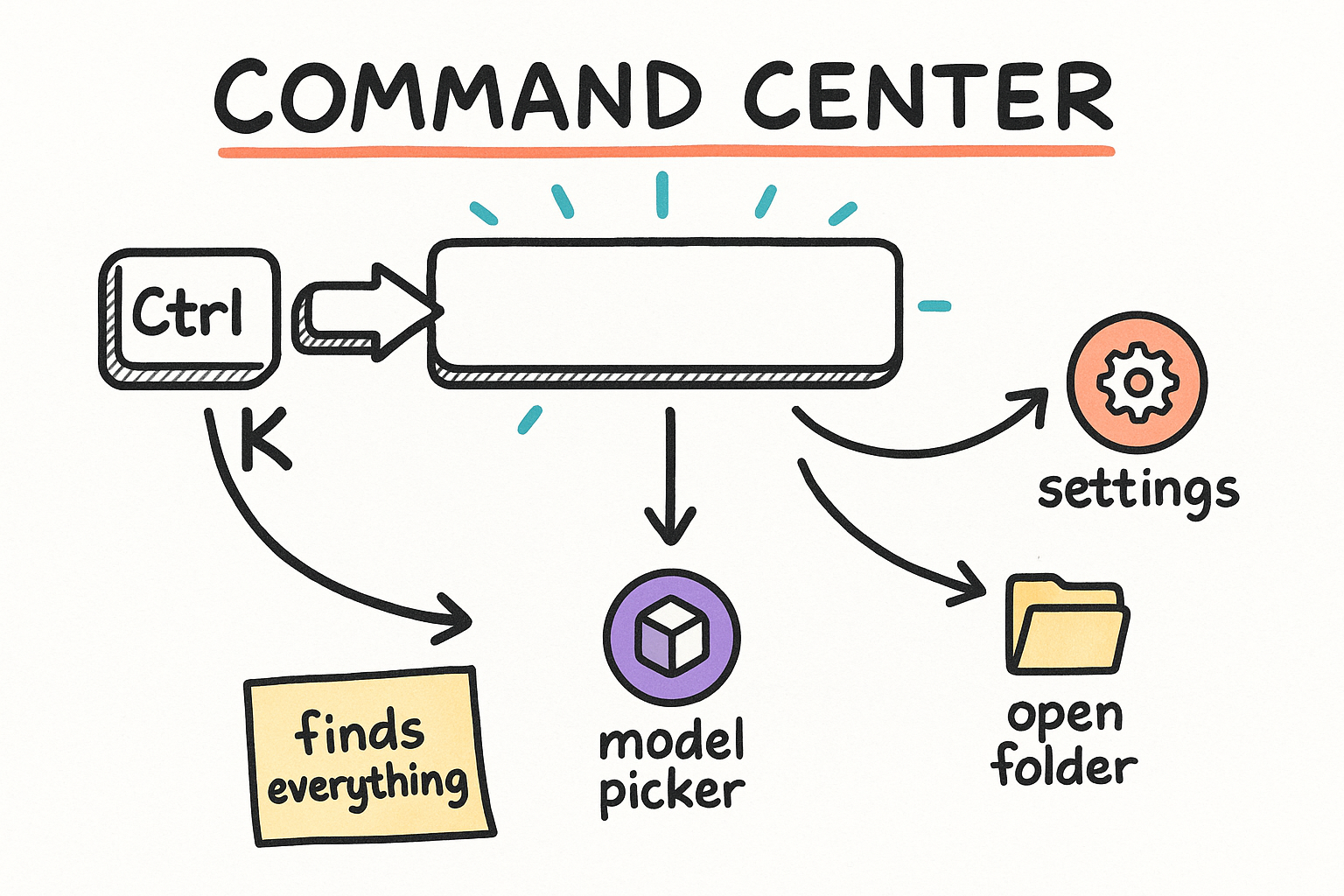
If you only learn one shortcut, make it Ctrl+K. The command menu is the single door to every action in the app, so you never have to memorize the rest. From there you can reach settings, swap models, open a folder, or pull up the full shortcut sheet. Forget a binding? The menu remembers it for you.
- Ctrl+K opens the command menu. Type, then hit Enter.
- Ctrl+Shift+/ shows every available shortcut, live.
- Jump to settings, the model picker, or open a folder fast.
Bend the layout to the task
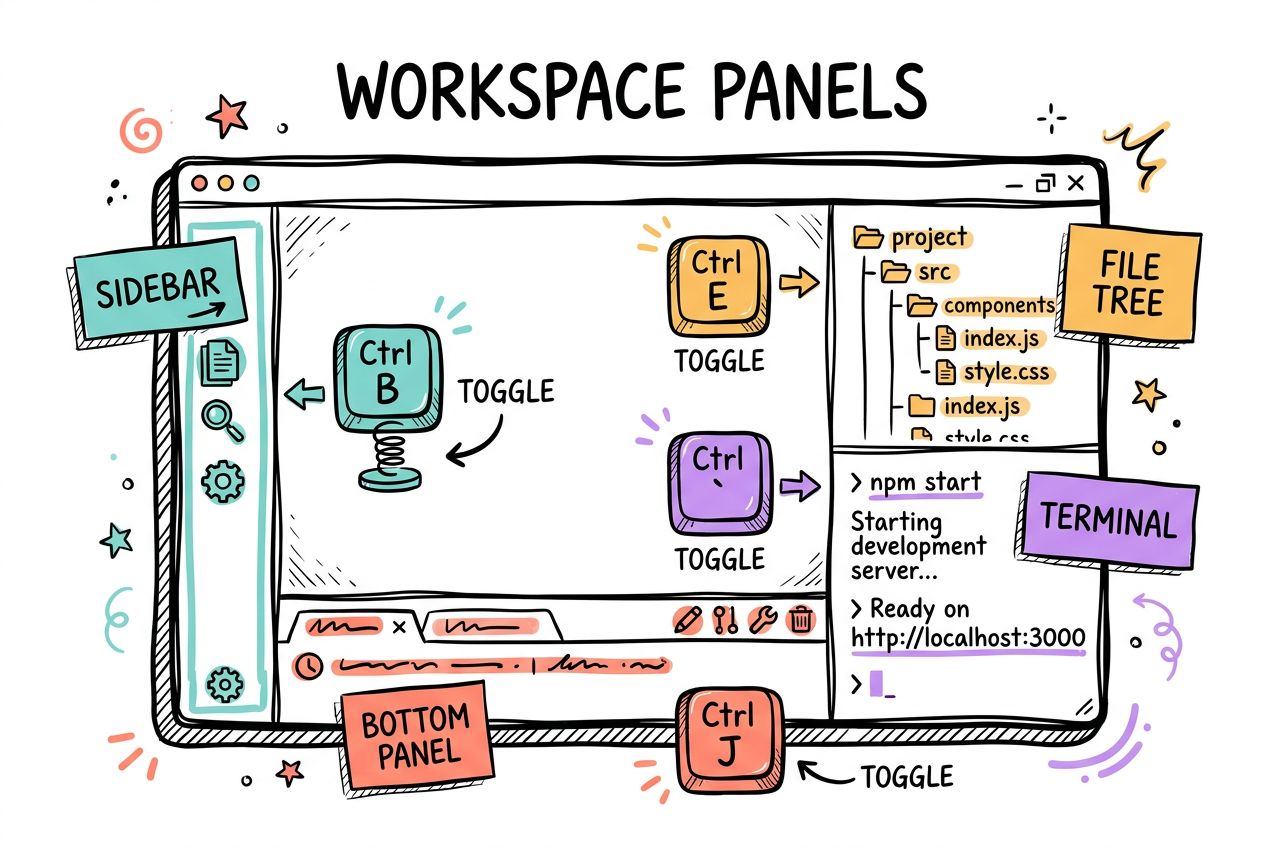
Codex Desktop is a workspace, not just a chat box. Toggle the sidebar, side panel, and bottom panel to give whatever you are doing more room. Pop open the file tree to browse the project, the terminal to run things, the in-app browser to preview, or the review tab to read changes. One key each, no menu diving.
- Sidebar, side panel, bottom panel: each toggles with one key.
- File tree, terminal, browser, and review are all a tap away.
- Need space? Open a whole new window with Ctrl+Shift+N.
Compose with your voice, approve with a key
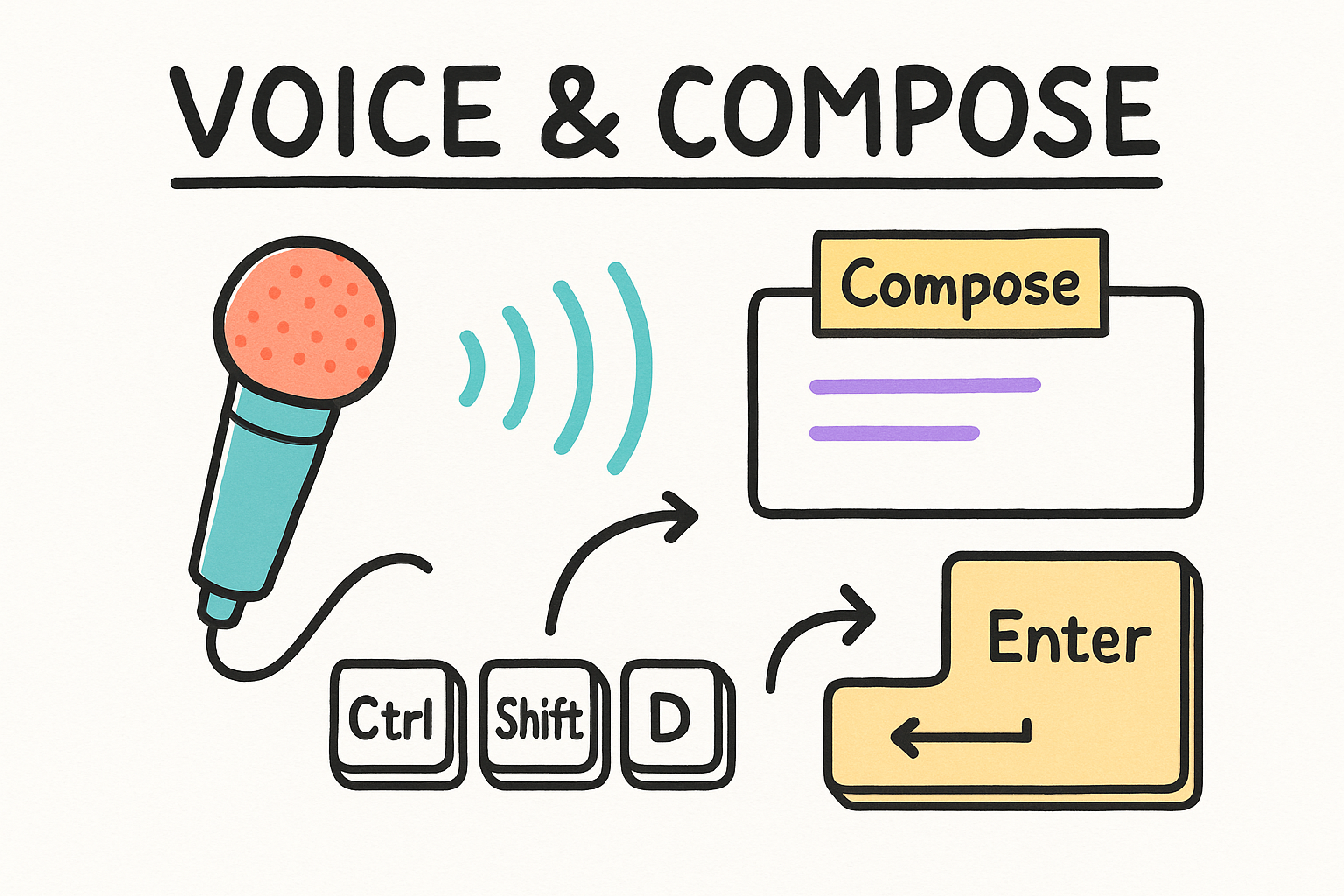
Talk instead of type: start dictation or flip into voice mode and the composer listens. When Codex asks to run something, Enter approves and Escape declines, so you can keep your hands on the keyboard through a whole session. Plan mode, fast mode, and reasoning effort are bindable too, they just ship Unassigned so you choose the keys.
- Dictate into the composer or run a full voice session.
- Enter approves a request, Escape declines it.
- Plan / fast mode and reasoning effort are yours to bind.
Copy the right thing to share a session
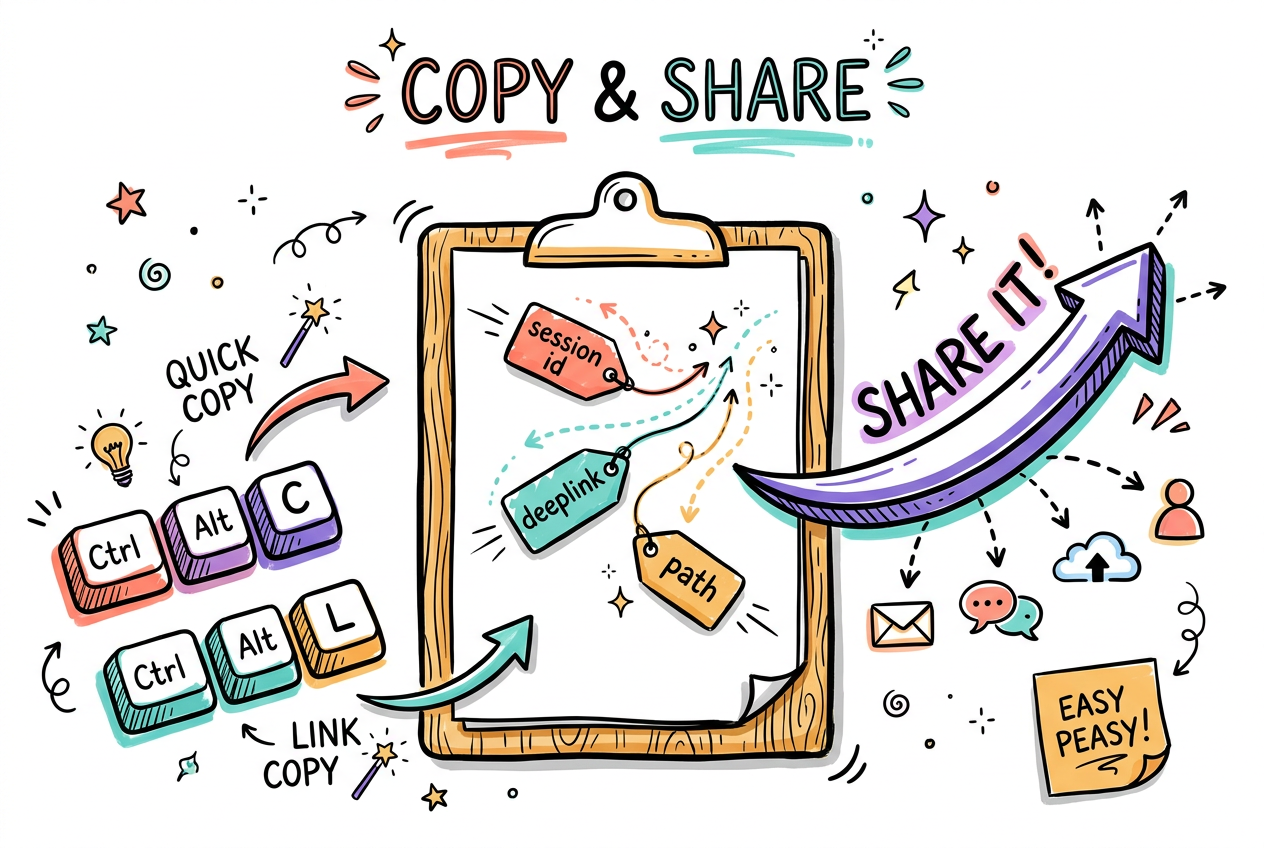
When you need to hand a session off, link it, or point a teammate at the exact spot, Codex gives you precise copy commands. Grab the session id, the conversation path, a shareable deeplink, or the working directory without hunting through menus. Copy as Markdown is in the list too, ready to bind.
- Copy the session id or a deeplink to share where you are.
- Grab the conversation path or working directory for handoffs.
- Copy as Markdown is Unassigned, bind it for clean exports.
The in-app browser and the power-user shelf
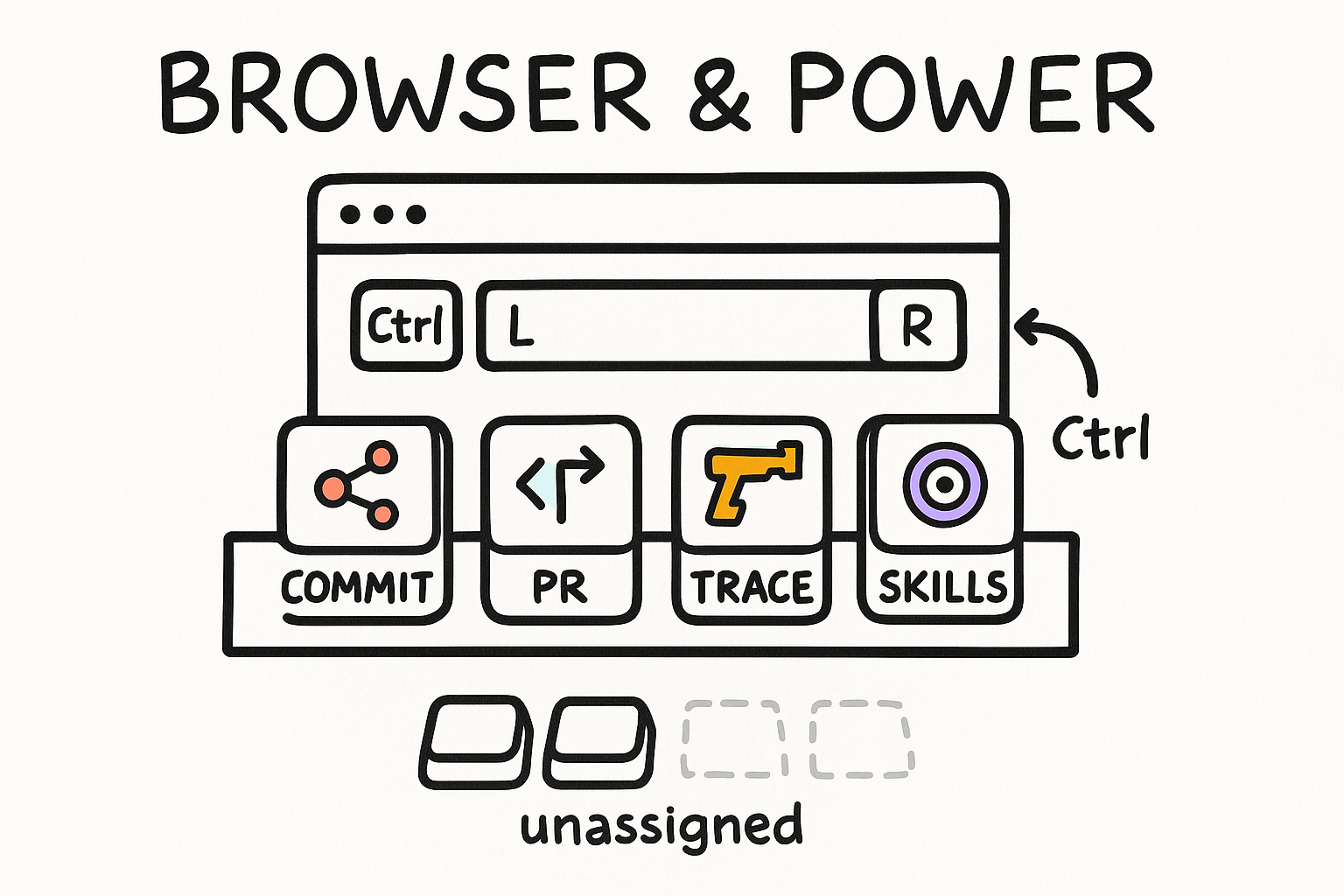
Codex Desktop ships a real browser inside it. Focus the address bar, reload, force reload, and even record a trace, all from the keyboard. Beyond that sits a deep shelf of power commands: environment actions, commit and push, create a PR, manage skills, MCP servers, and automations. Most arrive Unassigned on purpose, so you bind the ones you actually use.
- Drive the in-app browser: address bar, reload, force reload.
- Record a trace, fire environment actions, ship a commit or PR.
- Most power commands are Unassigned. Bind your favorites.